Human Resource Management System
Coming Soon - January 24-25: M-Pathways HRMS PeopleTools upgrade
The M-Pathways Human Resource Management System (HRMS) is scheduled to be offline beginning Saturday, January 24, at 8 a.m. for the PeopleTools upgrade. PeopleTools is the infrastructure that supports the M-Pathways HRMS. The system will be back online Sunday, January 25, at 7:00 a.m. The outage will include M-Pathways Human Resource Management System, Employee Self Service, and applying for positions using the University of Michigan Careers website.
The upgrade is needed to maintain support, including bug fixes and enhancements.
Student Administration
Canvas: Importing Final Grades to Faculty Center Grade Roster
The Canvas Letter Grades Import tool in the Faculty Center Grade Roster is replacing the Format Canvas Gradebook feature in Canvas. For more information, see Canvas: Importing Final Grades to Faculty Center Grade Roster.
Safe Computing
Protecting Your Identity
Threat actors and hackers regularly target universities, including U-M, attempting to disrupt operations and steal sensitive information. They also try to steal individual U-M account credentials in order to gain access to U-M systems and accounts, initiate scams, and disrupt both our professional and personal lives.
The following tips can help you protect your identity:
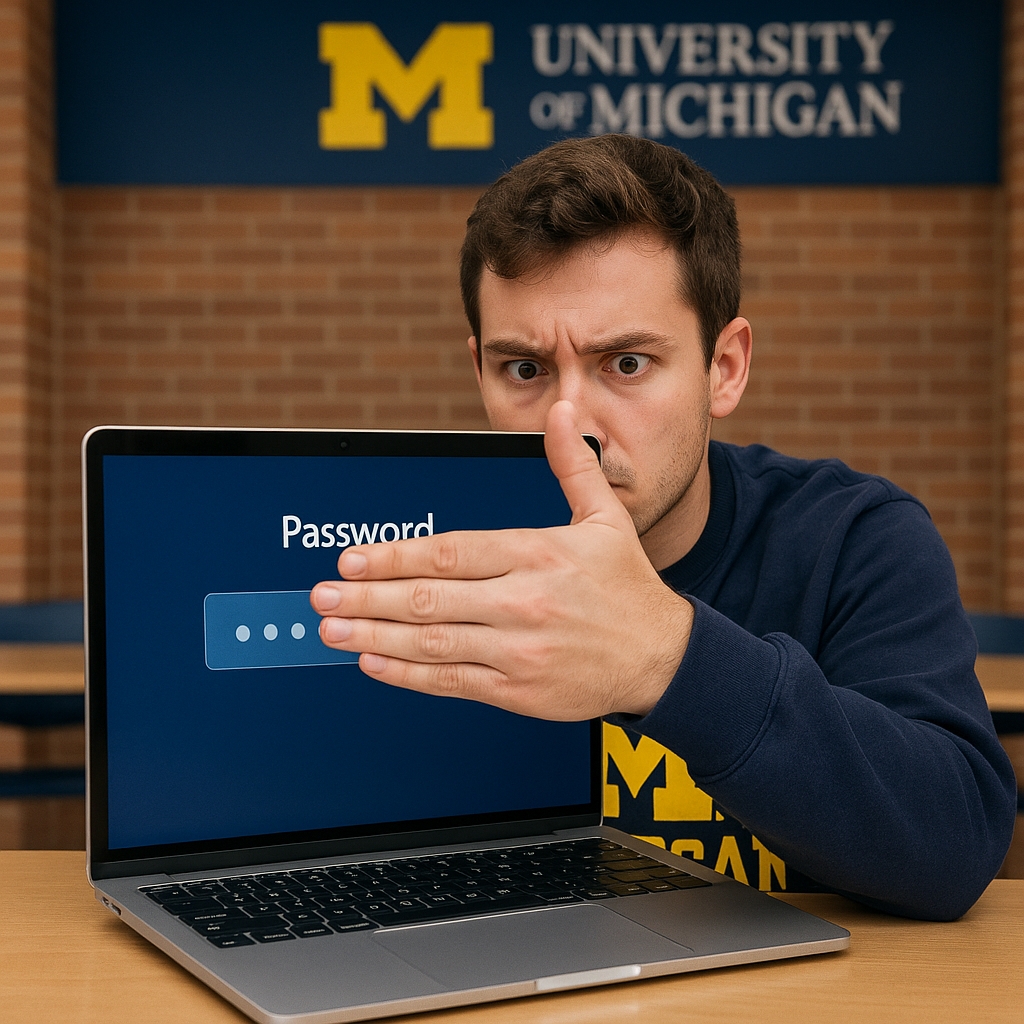
- Do not reuse your U-M password on other sites, especially those where your umich.edu email is your username. If you think your login credentials have been compromised, change your password ASAP.
- Beware of phishing emails (or texts) that ask you to verify, validate, or upgrade your account by logging in to a webpage or providing your password. They are most likely scams.
- Avoid logging into a U-M website like Wolverine Access while on an unprotected WiFi network. Your account information could be stolen if you don’t use a secure internet connection.
- Do not share your passwords. If you share your password with a friend, significant other, or family member, they might not be as careful with it as you are. Consider using a password manager to store your passwords in an encrypted file so that you don't need to remember them.
More tips and resources
- Learn about how to Protect Yourself From Online Harassment.
- Visit the Protect Yourself and Protect Privacy sections of the Safe Computing website.
- Take control of your privacy with this Electronic Frontier Foundation resource - Opt Out October: Daily Tips to Protect Your Privacy and Security.
Please report suspicious messages or email to reportphish@umich.edu.